Discover student orientation insights, tips, and strategies from experts
Guide to effective student orientations
Download the eBook
-cropped.svg)


.svg)
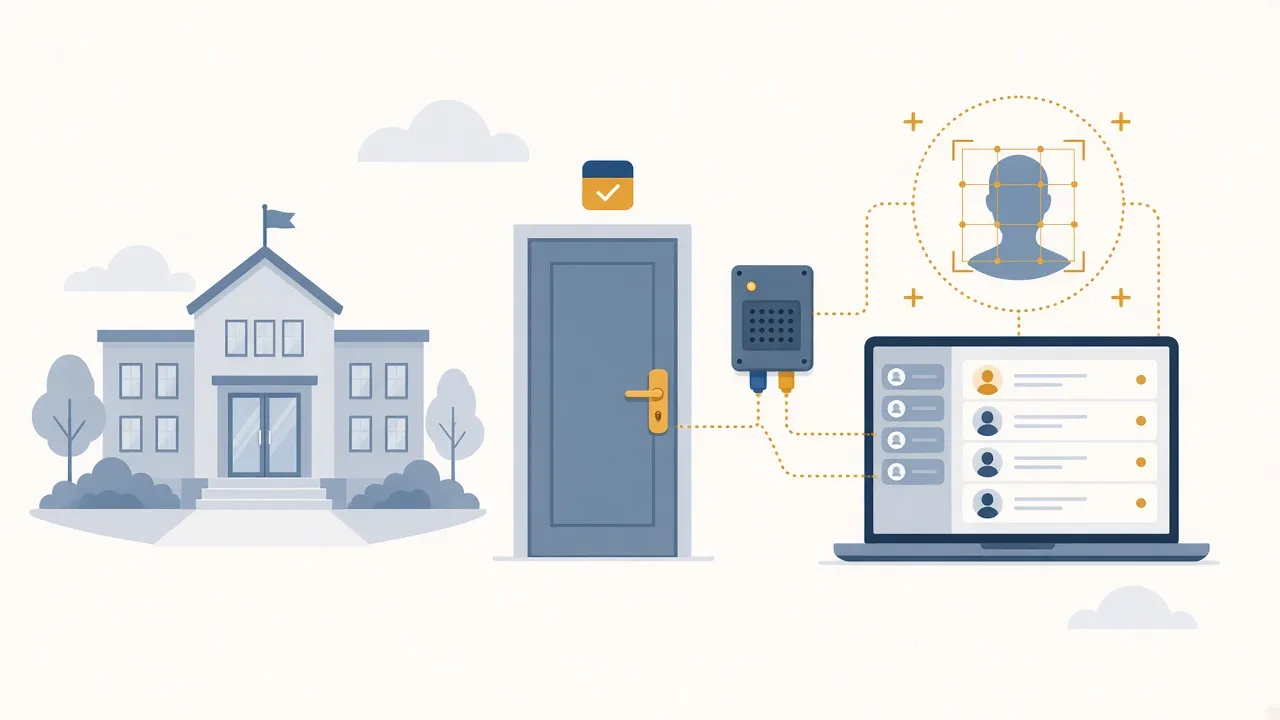
Facial recognition works best when it plugs into tools schools already use. On its own, a camera only takes pictures. Linked to doors, schedules, and student records, it becomes part of daily operations.
This article is for IT and facilities teams who need face systems to talk to school management software and existing access control hardware.
This is the system of record for students, staff, classes, and often fees. If you need a refresher on core modules, see 10 software modules that you cannot miss in your school management system.
Door controllers, locks, turnstiles, and readers already decide who can open which door. Many campuses still use cards or PINs on that layer.
Cameras or terminals match a face and send an approve or deny signal. That signal should land in the same place your door hardware already trusts.
When these layers stay separate, staff end up updating three lists. When they sync, one enrollment change can flow to doors and attendance jobs together.
Schools without a connected management core often drown in duplicate data entry. That problem shows up in common challenges schools face without a school management system. Adding face cameras without fixing sync rules just creates a fourth list to maintain.
Good integration means:
Ask vendors for APIs or supported connectors. Avoid custom one-off scripts that only one contractor understands.
Can your current door controllers accept a signal from the face system, or do you need new readers at key doors?
Do cameras have stable network paths and backup power? A door that fails closed or open during an outage needs a written rule.
If the internet drops, should local controllers keep last-known rights for a short time? Put that choice in the design doc.
Mount cameras where people can see them and where weather or vandalism will not kill the pilot in week two.
Write these rules before procurement, not after the cameras arrive.
Trying to launch every door and every module in the same week is how projects stall.
Ask who owns the face templates if you leave the contract.
Ask how long failed match logs stay on disk.
Ask whether door rights update within minutes when a student is marked inactive in the school system.
If answers are vague, keep looking. Vague answers become outages later.
Facial recognition is a sensor and a decision helper. School management software holds the people data. Access hardware opens the doors. Integration is the work that makes those pieces act like one system.
If you are planning that stack, review GR Tech facial recognition alongside your current SIS and door controllers so purchase choices match your real wiring and data model.
For a broader overview of deployment, safety, and campus use cases, read Facial Recognition in Universities: How It Works and Its Safety.
I'm a highly skilled project manager with extensive experience in the education technology industry. With a background in computer science and a passion for improving educational outcomes, I have dedicated my career to developing innovative software solutions that make learning more engaging, accessible, and effective.