Discover student orientation insights, tips, and strategies from experts
Guide to effective student orientations
Download the eBook





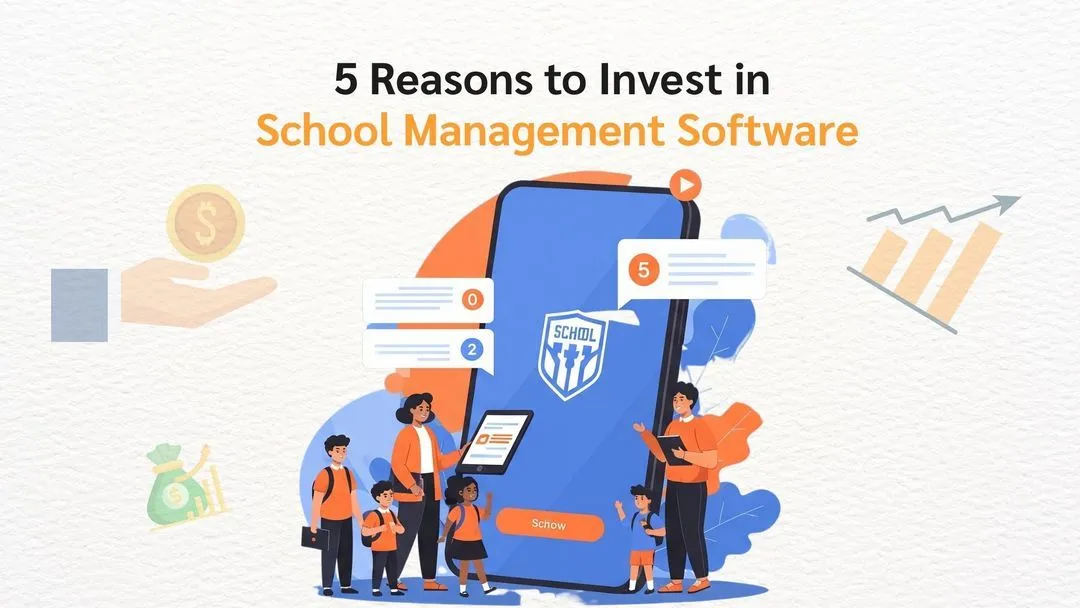
A school management system is software that runs a school's day-to-day administration in one place: admissions, student records, attendance, timetables, grading and report cards, fees and parent communication. Instead of separate spreadsheets and tools for each office, every staff member works from the same student record.
You may also see it called a school ERP, school administration software or school MIS. They mean broadly the same thing. This guide explains what a school management system includes, how it works day to day, and what to check if you run a school in Malaysia.
Quick answer: a school management system keeps one record for each student, so a change made by one office, such as a new fee, an approved leave or a class move, updates everywhere else automatically.
Most schools grow their systems one problem at a time: an admissions spreadsheet, an accounting package for fees, a timetable built by hand, a messaging app for parents. Each tool works on its own. The trouble is that the same student is typed into all of them, and when something changes, someone has to update each one.
A school management system replaces those copies with one shared record. Admissions enrols a student once, and the class list, timetable, fee plan, attendance register and parent portal all pick it up.
It is used by almost everyone in the school:
| Module | What it handles |
|---|---|
| Admissions | Enquiries, applications, entrance assessments, offers, deposits and enrolment, in one pipeline |
| Student records | Student and family profiles, class, status, medical notes, documents, transfers and withdrawals |
| Academics | Curriculum standards, schemes of work, lesson plans, coursework and quizzes |
| Timetabling | Class and exam timetables, rooms, teacher availability and clash checks |
| Attendance | Class registers, gate check-in, late arrivals and absence alerts to parents |
| Grading and report cards | Gradebooks, assessment weightings and report cards generated from marks |
| Fees and finance | Fee plans, sibling discounts, invoices, online payments, late interest, e-Invoices and SST |
| Student life | Boarding, leave passes, hostel roll calls, co-curricular activities and dining |
| Parent portal and app | Fees, results, attendance, announcements and forms for parents |
| Reports | Enrolment, collections, attendance and academic dashboards for management |
Schools rarely switch on everything at once. Most start with the modules that cause the most manual work, often admissions, fees or attendance.
The easiest way to understand it is to follow a few everyday flows.
A parent enquires on the website. Admissions tracks the family through visits, assessment and offer in one pipeline. When the deposit is paid, the student record is created, the student is placed in a class, the fee plan is set up and the parent receives portal access. Nobody types the student's details a second time.
A student scans in at the gate in the morning. The class register is already marked when the teacher opens it, so the teacher only corrects exceptions. If a boarder has an approved leave pass, the gate lets them out and the hostel roll call that night already knows they are away.
Teachers record coursework, quizzes and exam marks in the gradebook against the curriculum standards. At the end of term, report cards are generated from those marks instead of being collated by hand.
Each student has a fee plan. At the start of term the school bills everyone in one run, applies sibling discounts and credits, and takes payment online. In Malaysia, the e-Invoice for each bill can be submitted to LHDN MyInvois and SST prepared from the same data, then exported to the accounts system.
| System | Main job |
|---|---|
| School management system | Runs the whole school's administration: admissions, records, attendance, timetables, grading, fees and parents |
| SIS (student information system) | Keeps student records and academic history. Usually one part of a school management system |
| LMS (learning management system) | Delivers teaching and assignments online, for example Google Classroom or Moodle |
| Accounting software | The school's general ledger. A school management system usually exports fee data to it |
Most schools keep their LMS and accounting software and connect them to the school management system.
For more detail, see the common challenges schools face without a school management system and the modules no school management system should miss.
If you are planning a rollout, our school management system implementation checklist walks through each step from tender to go-live.
EduNest is GR Tech's school management system for private and international schools in Malaysia. It covers academics, admissions, fees, boarding, the gate and the parent portal in one system, with LHDN MyInvois e-Invoicing and SST filing included and support for MOE, Cambridge and IB curricula.
To run the school's administration from one shared record, so staff spend less time re-entering and reconciling data and more time with students and families.
Broadly, yes. Both describe software that covers a school's admissions, records, academics, finance and communication. ERP is the term borrowed from business software.
Management, admissions, teachers, finance, boarding and security staff use it daily. Parents and older students use the portal or app.
Yes. Many schools start with admissions, fees or attendance and add academics, boarding and the parent app later.
It should. Check that it supports your curricula, multiple currencies or fee structures if needed, and English and Bahasa Malaysia interfaces.
Most are cloud-based so staff and parents can use them anywhere. Some schools prefer hosting on their own servers. Ask the vendor which options they support.
See EduNest with your school's data
Admissions, fees and attendance on one record.
I'm a highly skilled project manager with extensive experience in the education technology industry. With a background in computer science and a passion for improving educational outcomes, I have dedicated my career to developing innovative software solutions that make learning more engaging, accessible, and effective.