Discover student orientation insights, tips, and strategies from experts
Guide to effective student orientations
Download the eBook
-cropped.svg)


.svg)
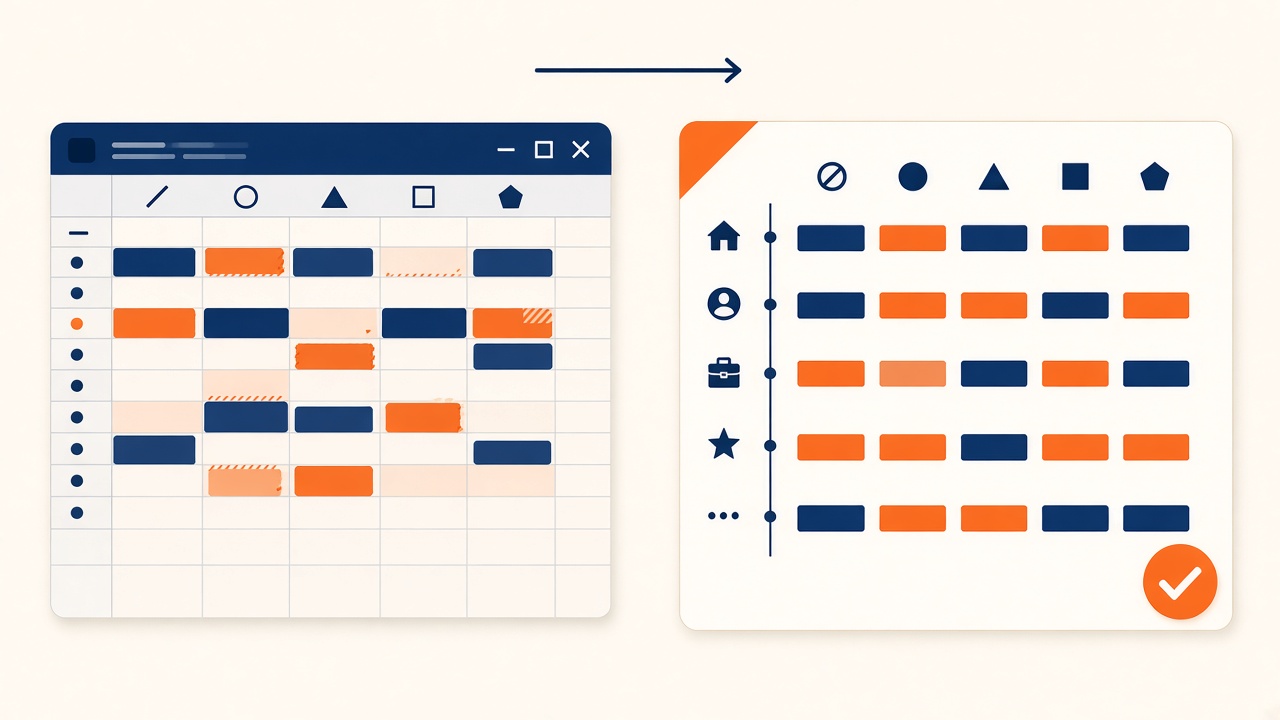
Excel feels familiar. Almost every academic office already has a master sheet. The problem is not that Excel cannot hold a timetable. The problem is how long fixes take when something changes, and how many errors slip through.
This article compares manual Excel workflows with automated timetabling software for school and campus leaders who want a clear time and error picture before they buy.
It can work for a small school with stable staff. It struggles when electives, shared labs, and mid-term changes stack up.
Someone who knows every constraint builds the grid by hand. That knowledge sits in one person's head.
Teacher double-bookings and room overlaps are caught by eye or by fragile formulas. Late discovery means late rework.
A teacher leave or room closure often forces a cascade of edits across tabs. There is no "resolve from here" button.
Exporting PDFs, posting to portals, and telling staff which file is current becomes its own job.
Common Excel errors include:
Automated systems do not make policy mistakes impossible. They make double-booking and capacity breaches much harder to publish by accident.
You spend time defining constraints once: availability, room types, blocked periods.
The system proposes a schedule. Coordinators review edge cases and soft preferences.
Swaps and substitutes happen inside the same model, so the published view stays consistent.
For how conflict solving works in practice, see Algorithmic Conflict Resolution.
| Task | Excel-heavy process | Automated timetabling |
|---|---|---|
| First full draft | Days to weeks of manual placement | Hours to days after rules are set |
| Catching teacher clashes | Manual scan or broken formulas | Blocked before publish |
| Mid-term room change | Cascade edits across sheets | Localized re-solve |
| Substitute coverage | Phone lists and side notes | Workflow inside the timetable |
| Single source of truth | Many file versions | One live schedule |
Exact hours depend on school size. The pattern is consistent: Excel front-loads hero effort and back-loads cleanup. Automation front-loads rules and reduces cleanup.
The moment you add complex choice subjects or multi-building rooms, error risk rises fast. Universities feel this earlier. See Elective Course Scheduling & Student Choice.
Excel is a document. Automated timetabling is an operations system. If your pain is rebuild time and hidden clashes, software wins on both time and error rate.
For the wider feature set, read The Complete Guide to Automated Timetable Management Software.
I'm a highly skilled project manager with extensive experience in the education technology industry. With a background in computer science and a passion for improving educational outcomes, I have dedicated my career to developing innovative software solutions that make learning more engaging, accessible, and effective.